Lab 08: PHP Sessions
In this lab exercise, we will be creating a dummy login system that utilizes sessions. This will not utilize database connectivity just yet, that will be introduced in the next lab exercise.
Getting Started
Sessions
A session is a way to store information (in variables) to be used across multiple pages.
- Computers can determine your activity on an application (i.e., when you start the application and when you end), but web servers cannot do the same when it comes to web site visiting. This is because the HTTP address does not maintain states.
- Session variables solve this problem by storing user information to be used across multiple web pages (e.g., username, favorite color, etc.).
- By default, session variables last until the user closes the browser.
We set session variables with the superglobal variable $_SESSION.
Superglobals
In PHP, there exist several global variables (i.e., available in all scopes of the script).
Among the ones we will look into are: $_SESSION (already introduced earlier), $_GET, $_POST
$_GET: represents an array of variables passed to the current script via the URL parameters; all field names and values are appended to the end of the URL after the?symbol (up to 2000 characters only)$_POST: represents an array of variables passed to the current script via the HTTP POST method; sent from a web form with POST method directing it to the form handler's URL; all form input fields should havenameattribute initialized
GET Method |
POST Method |
|---|---|
GET is used to request data from a specified source. |
POST is used to send data to a server to create/update a resource. |
GET requests can be cached |
POST requests are never cached |
GET requests remain in the browser history |
POST requests do not remain in the browser history |
GET requests can be bookmarked |
POST requests cannot be bookmarked |
Danger
GET requests should never be used when dealing with sensitive data.
You can find out more about superglobals here.
Preparation
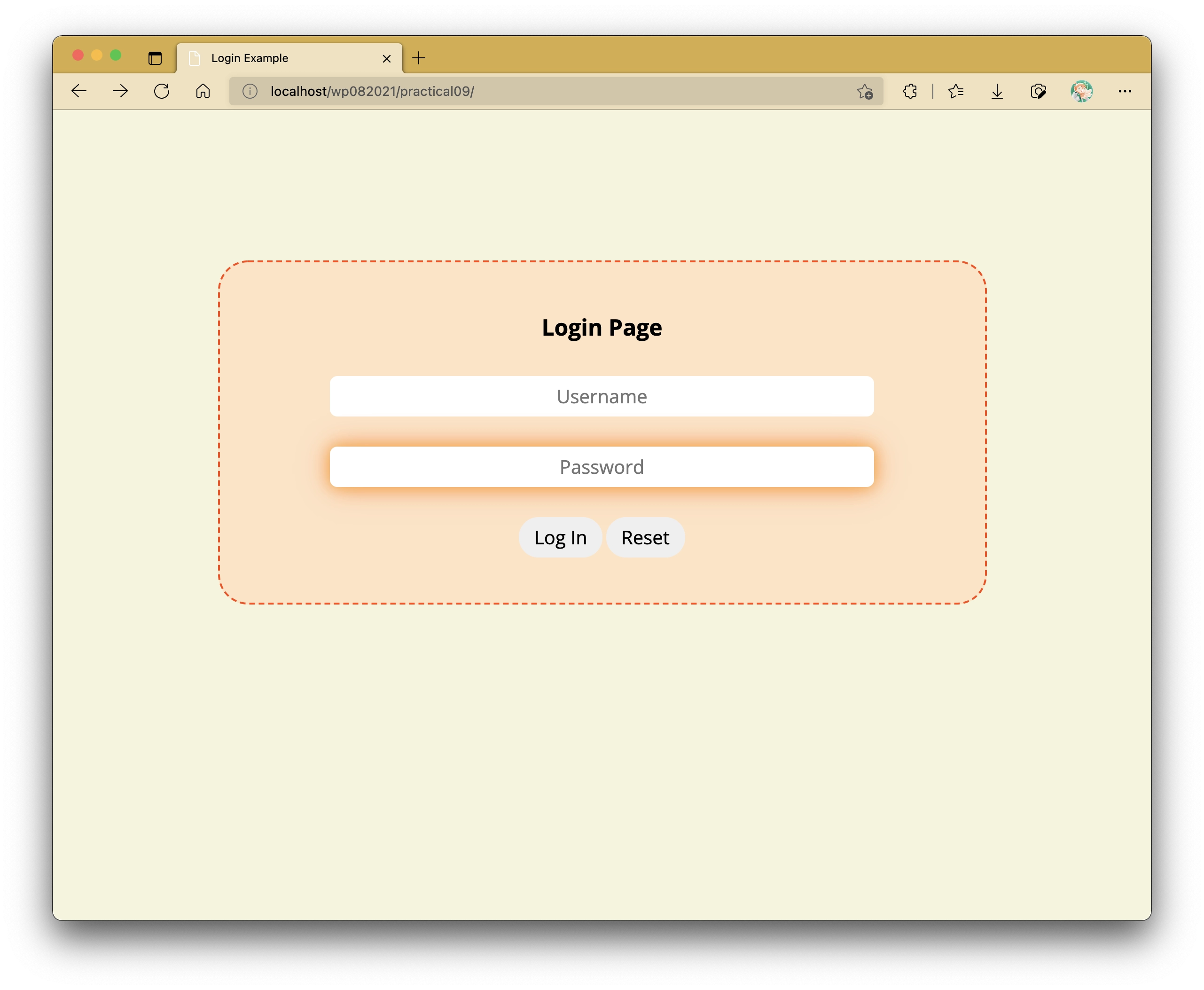
Lab Activity
Task 1: Checking Credentials
Our credentials are kept in a separate file named credentials.php.
We can append it to index.php by introducing the following on top:
require_once is a command that appends contents of a HTML or PHP file to wherever it is called.
In this case, credentials.php is appended at the beginning of the webpage.
There are other variants of this command:
include_onceis the same asrequire_once, but it does not halt the other webpage items from being loaded if the file doesn't exist.includeandrequireare different frominclude_onceandrequire_oncerespectively in the sense of how many times they are allowed to be appended to the page.
Now that we have our credentials appended at the top, we can now proceed to carry out form validation.
var_dump is useful if you would like to test if your credential checking is working as intended or not based on your $_POST superglobal variables.
Uncomment the var_dump line if you would like to carry out this checking, but its output should not be visible in the end result.
We are adding the sessions_start() line on top to introduce session variables if the credentials match.
This will be worked on more in the next task, but what's important now is that we create a new session variable called $_SESSION["username"] which will contain the username value entered into the form.
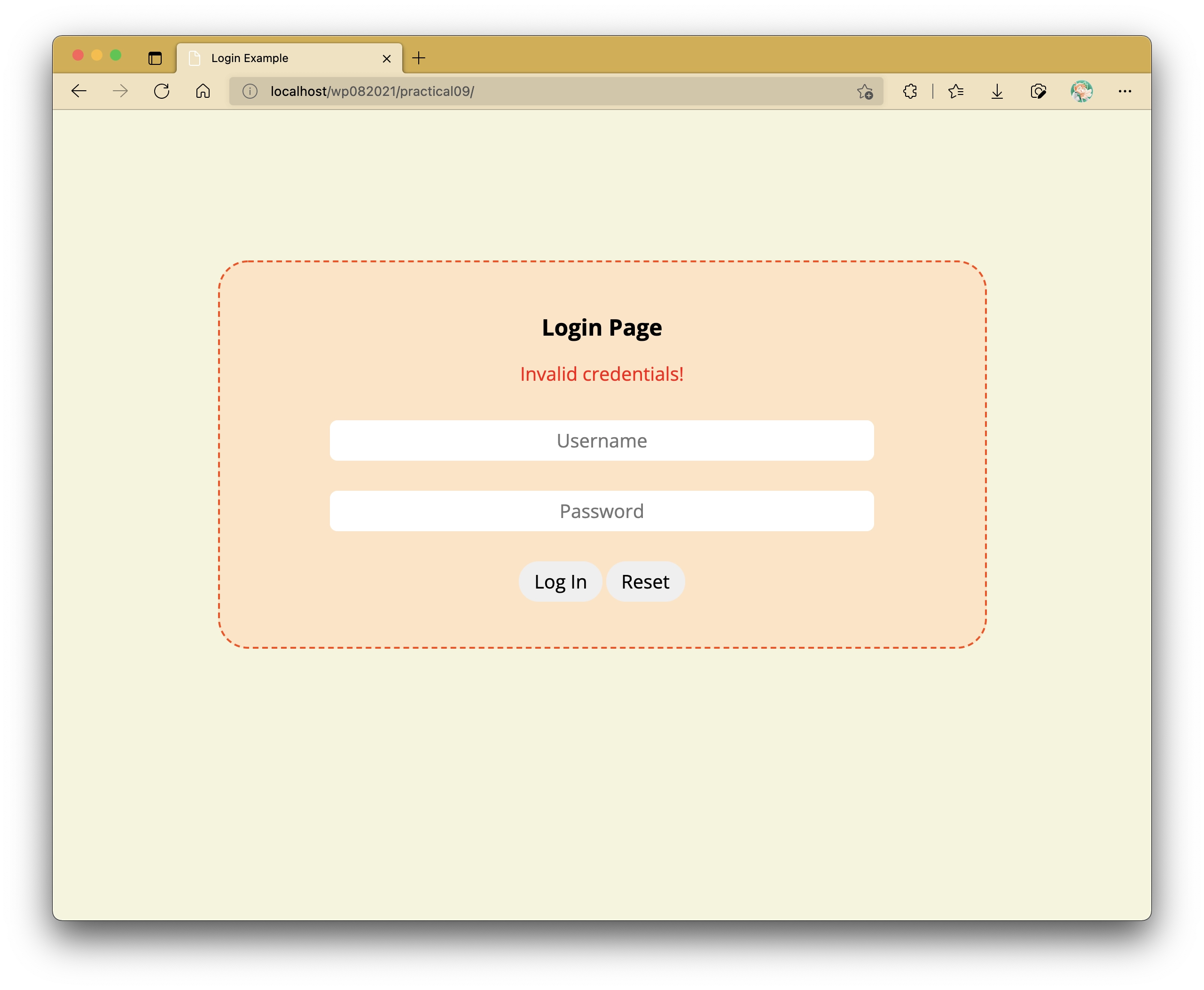
As for when the credentials do not match, we have a flag variable named $invalid_login which indicates if the credentials match or not.
We will utilize this to display a message in our p#error element in the form to alert users if the credentials do not match.
The if statement syntax used here is different from that of most languages, but it works especially if you plan on printing large and/or complex lines of HTML. Your page should now display a paragraph containing the alert message like as follows:
Now, let's replace the contents inside section#container to display something else if the credentials are correct (and consequently giving the illusion that you're logged in).
We will carry this out through utilizing an if-else statement.
Depending on whether $_SESSION["username"] has been defined or not, either the form or the following gets displayed:
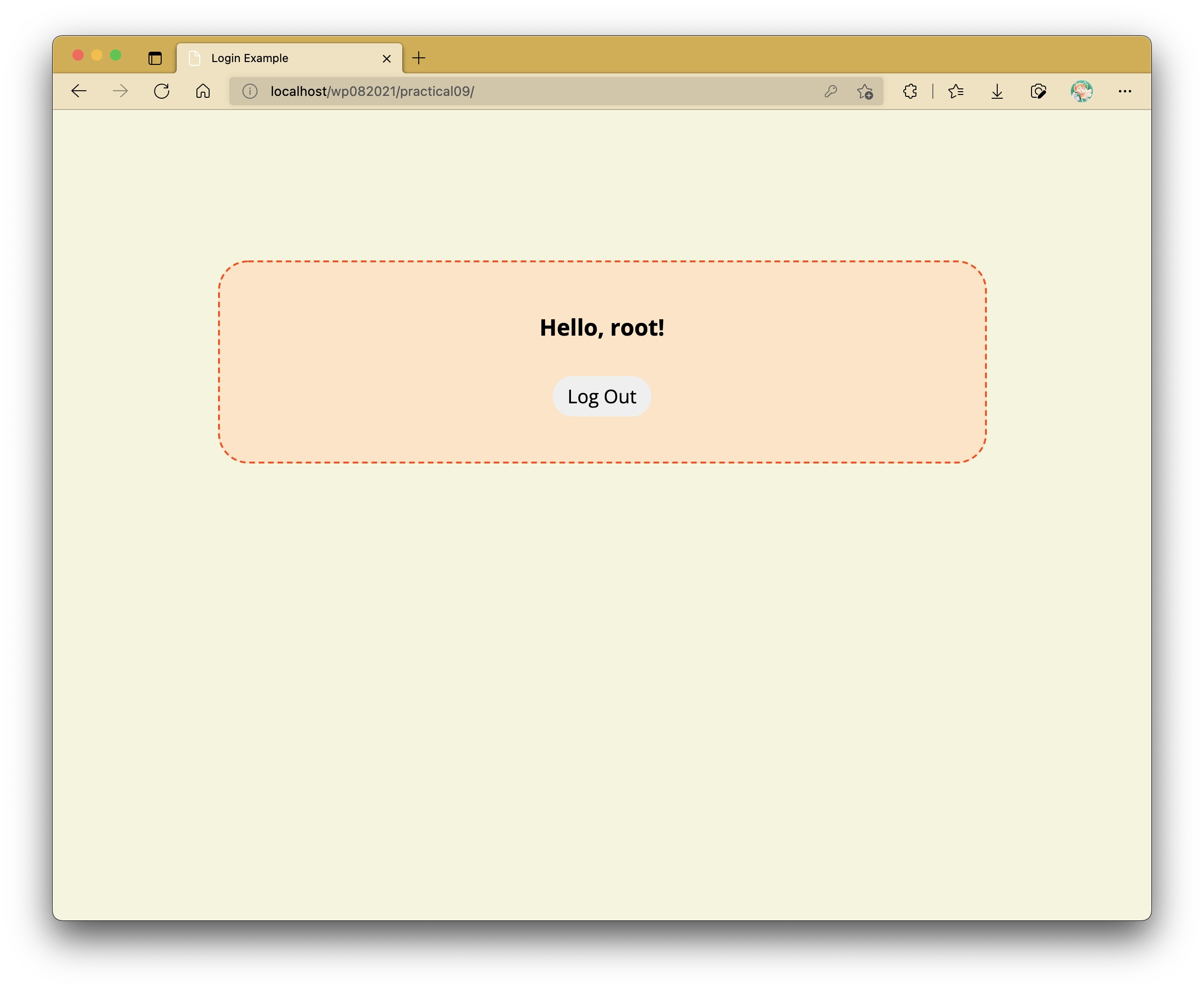
Here, when the user is "logged in", we now have a greeting on display with the entered username. At the bottom of that greeting line, we also have a log out button.
Note that we also use a special function htmlspecialchars(), which prevents cross-site scripting (XSS) from happening.
Task 2: Implementing Logout Feature
Session variables get carried across multiple webpages, so long as they have the line session_start() on top of the page - this is compulsory.
In the end, however, all good things have to come to an end - this also includes logged-in sessions.
The logout button included has an onclick attribute which redirects the browser to another page called logout.php.
logout.php will contain a simple script to log a user out.
The contents of this script are as follows:
The simple logout process works in 3 steps:
- Start the session with
session_start(). -
Unset all session variables with
session_unset(). This is optional sincesession_destroy()destroys everything in the session altogether. An alternative to this is the following: -
Destroy the session using
session_destroy().
The fourth line (i.e., header("Location: .");) redirects the user immediately back to index.php.
This can also be achieved if you were to type in header("Location: index.php");.
Using a period punctuation here points to the current directory, and browsers will automatically search for any file named index.php or index.html by default.
With this, you will find that you will immediately be sent back to index.php without viewing anything in logout.php.. not that it contains any visual content to be displayed in the browser to begin with.
Extra Task: Timeout
Modify the web application such that it will log you out upon refreshing the page after 5 minutes of inactivity.
Conclusion
This now concludes the PHP portion of this series of labs. The next lab activity will introduce you to databases which form the structure for how information is stored and used for applications. Following that, we will revisit this lab activity to include use of a database to facilitate logging in and out.