Herd
Herd prepares a localhost server environment for working with PHP or Node-based web applications. This is a tool prepared by the brains behind Laravel, a popular PHP framework. If anything, I think this is a good tool to easily manage your PHP or Node versions.
Herd Installation
Head over to this website, and download Herd from there. Very often, the website would determine the operating system you are currently using correctly. If not, there should be a link at the bottom of that big red button that will produce a different download link appropriate to the operating system you want.
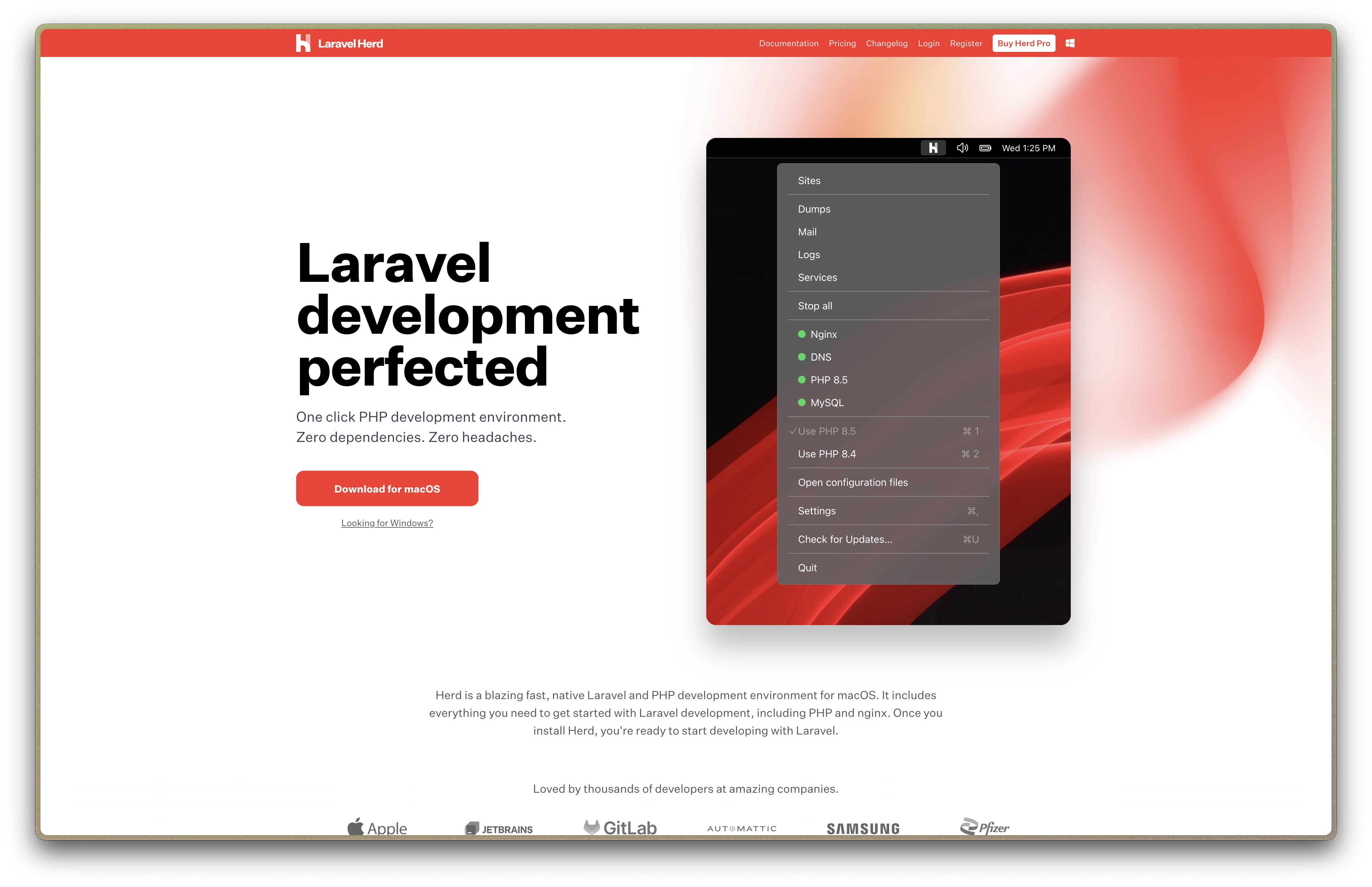
Run the Herd installer and follow your instructions as needed.
Herd Installation using Homebrew (macOS)
I use Homebrew to install many of my applications. Before continuing with this part of the guide, ensure that you have Homebrew installed; check here for instructions.
To install Herd using Homebrew, enter the following command in the Terminal:
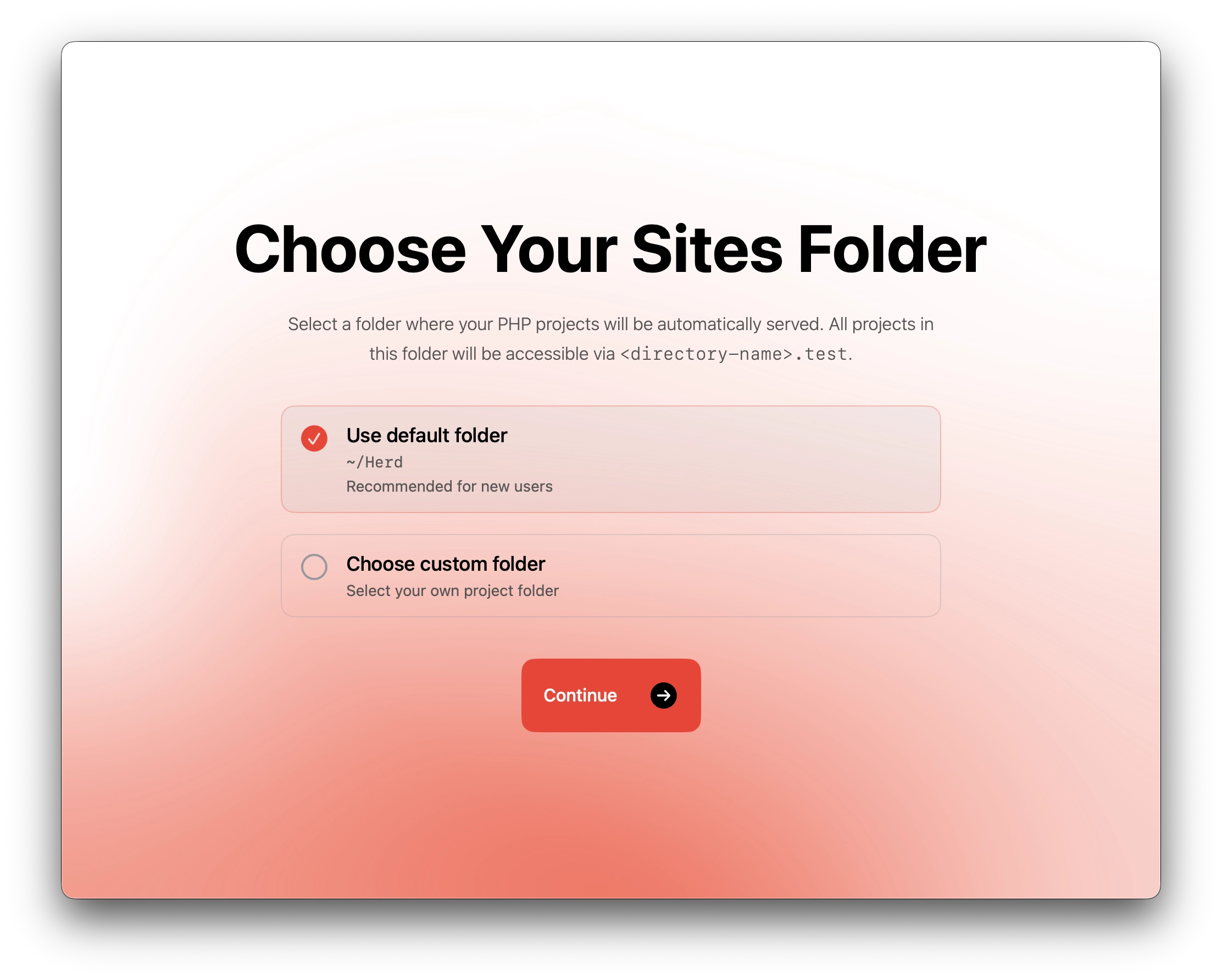
Herd utilizes a dedicated folder to contain all web projects (I believe mostly are PHP projects).
I usually keep it as the default (i.e., ~/Herd/), but feel free to change the location of the folder as and when needed.
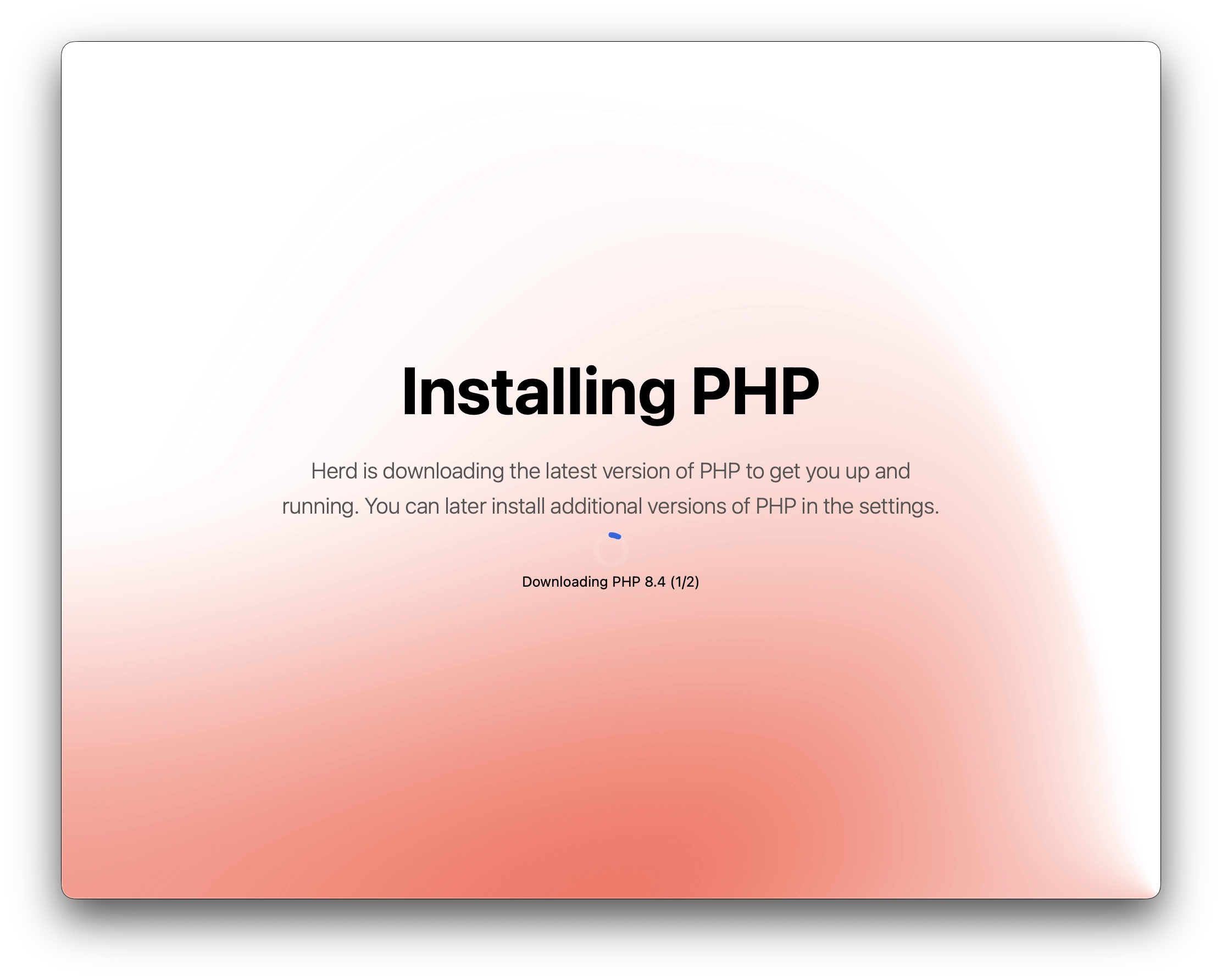
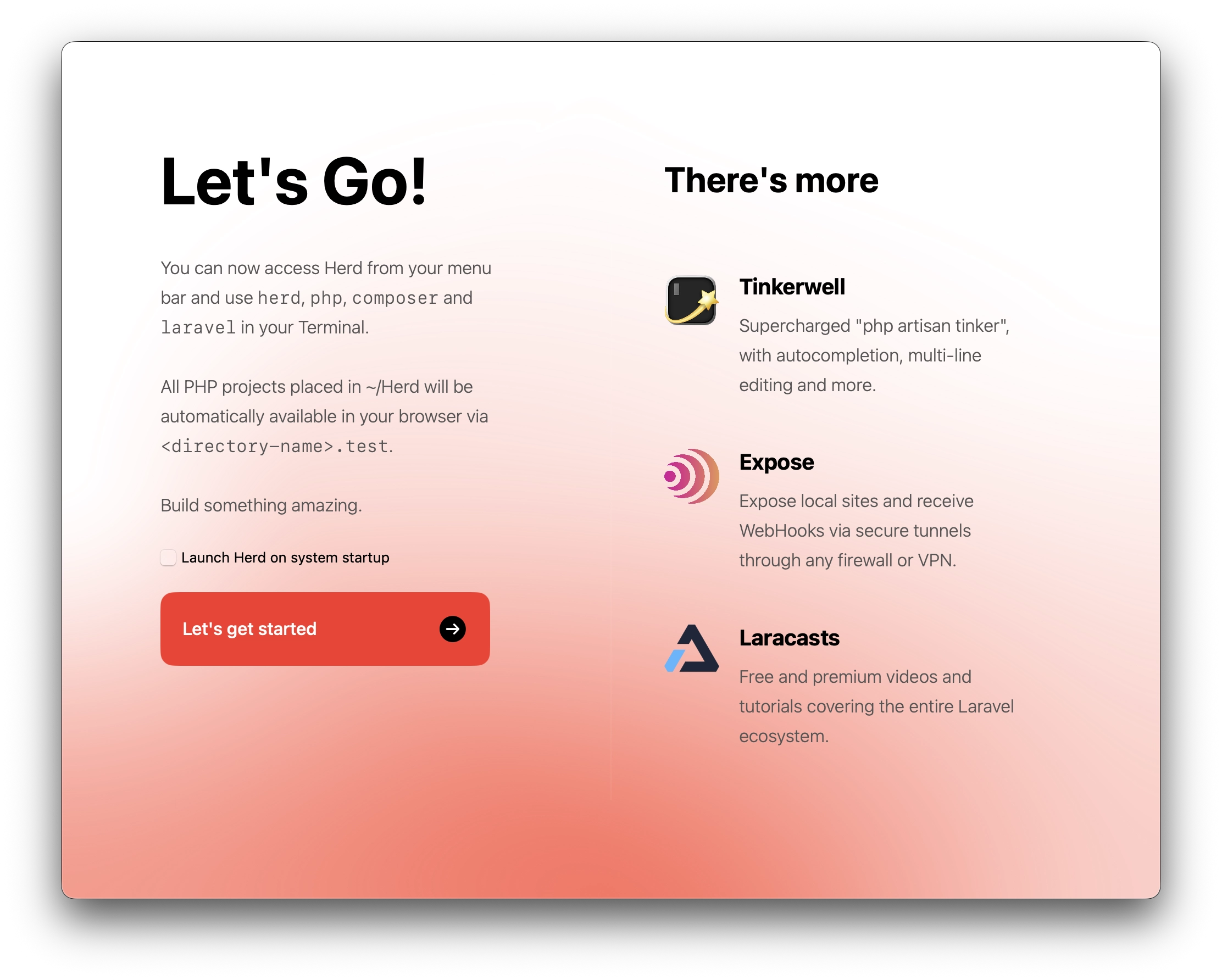
After installing Herd (and with it installing the latest version of PHP immediately from the get-go), it should now run automatically each time you start up your machine (unless you configure it otherwise).
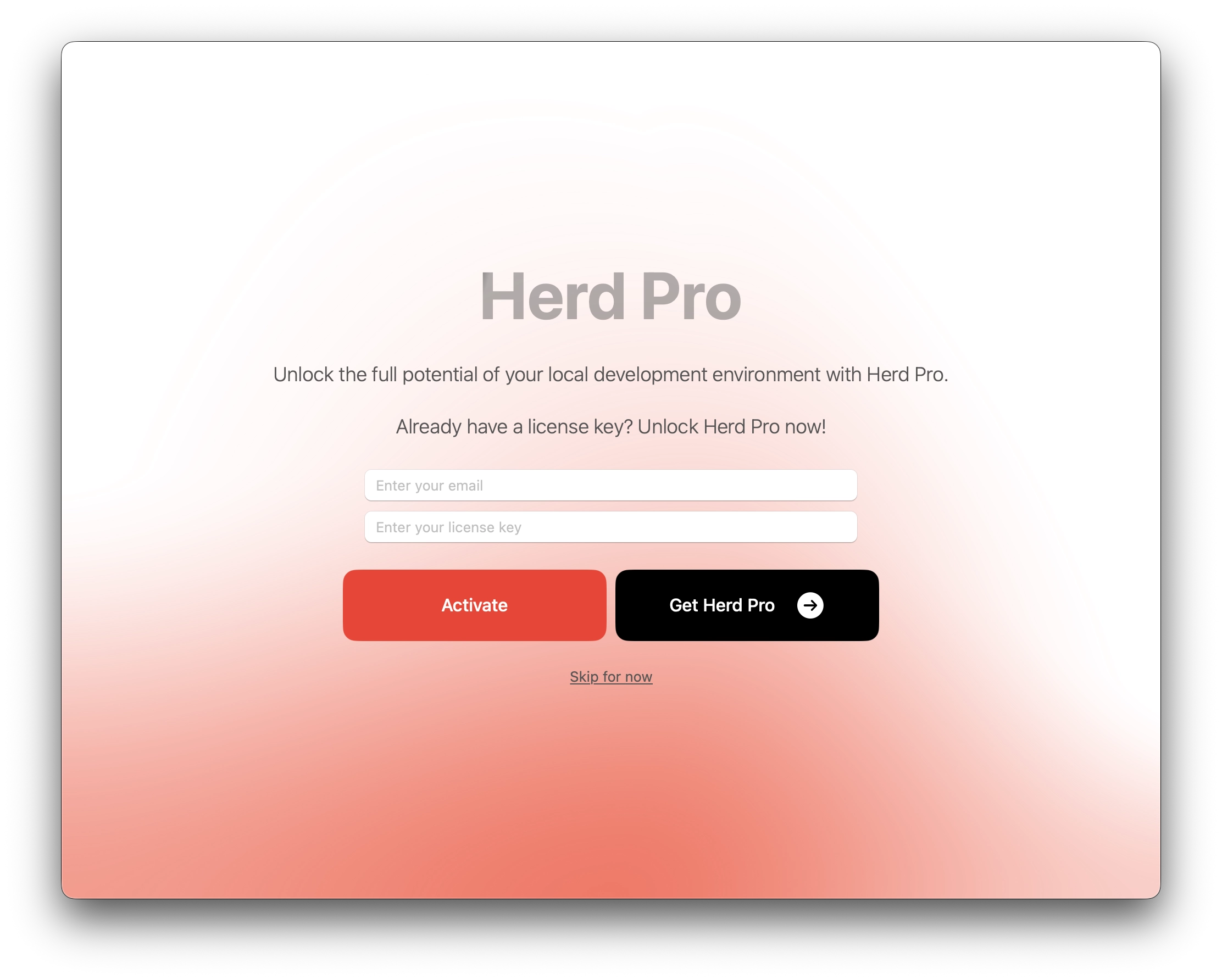
There's also a choice to purchase Herd Pro, which I currently don't use at the moment (since there's nothing that justifies the need for me to get it). However, feel free to purchase it if you're aware of what they offer there that you actually need.